Hip-hop beat
InstrumentalMP3 · 0:40MP3
Drums and bass come through untouched. The ad-libs left with the rap, so no stray voices sit on the beat.
THIS IS OUR MUSIC (Thruewiddit mix) · duckett · CC BY 3.0
Not a music generator: this instrumental maker keeps the song you know and lifts out the voice, free in your browser.
Your vocal track and instrumental will appear here
No account, no daily cap · Instrumental first, acapella included · MP3 · The song stays on your computer
An instrumental maker removes the singing from a finished song and leaves everything else where it was: drums, bass, guitars, keys and the effects the producer chose. Nothing new is composed, so you get the instrumental version of a song, not a lookalike. The free instrumental maker runs on your own computer, and the file never uploads.
Each player is what the instrumental maker returned for a full mix, with a note on what changed.
Drums and bass come through untouched. The ad-libs left with the rap, so no stray voices sit on the beat.
THIS IS OUR MUSIC (Thruewiddit mix) · duckett · CC BY 3.0
Guitar and voice share a range. Between lines the guitar is a touch thinner, because a little of it went to the vocal file.
Heart On Redial · Loveshadow · CC BY 3.0
The reverb on the voice left with the voice, so nothing echoes after a line ends. The band keeps its own room sound.
Dark Violet Sky · Doxent Zsigmond · CC BY 2.5
Three steps with the instrumental maker and a song you own:
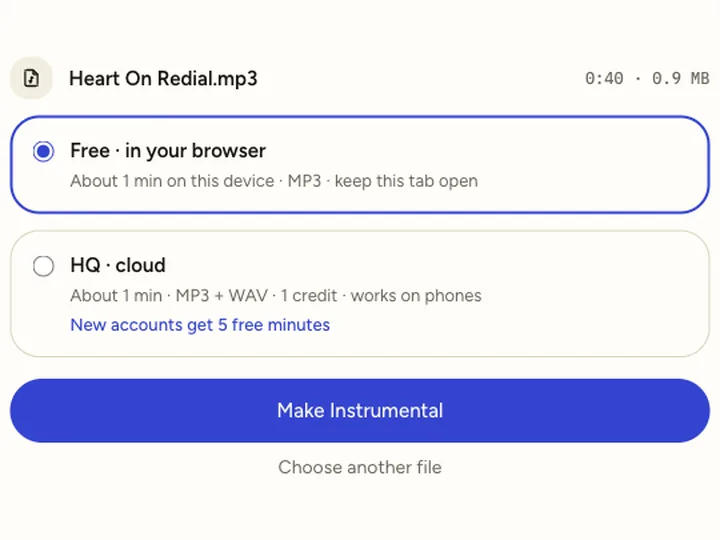
MP3, WAV, M4A, FLAC, or a video if the song only lives in a clip. Free mode takes up to 10 minutes of audio.
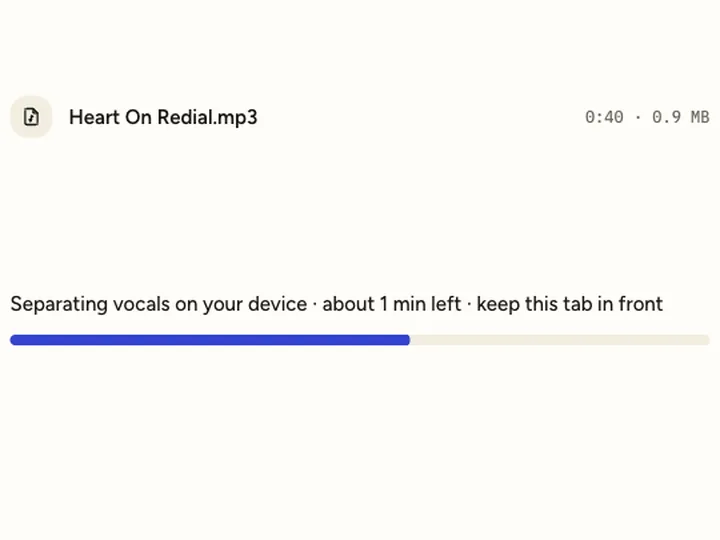
The instrumental maker splits the song on your computer; a 4-minute track takes about 40 seconds in Chrome. Keep this tab in front while it works.
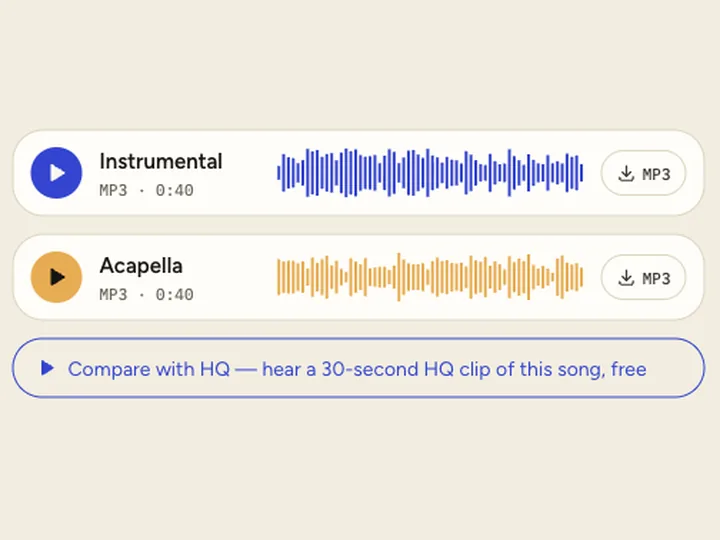
It sits at the top of the result as an MP3. The acapella comes along as a second file in case you want it later.
Half the tools sold as an instrumental maker online actually write new music. Pick by what you start with.
| Instrumental maker (this page) | AI instrumental generator | |
|---|---|---|
| You start with | A song file you already have | A text prompt or a genre |
| You get | That song’s own music, minus every voice | A new piece that did not exist before |
| Good for | Covers, karaoke, practice, remixes | Background music you need to own |
| Who owns the result | Whoever owns the original song | Set by the generator’s terms |
A generator cannot make a song instrumental, because it never hears your track. An instrumental maker cannot give you music nobody owns, because the result is still the original recording.
Most people open an instrumental maker because the official instrumental was never released.
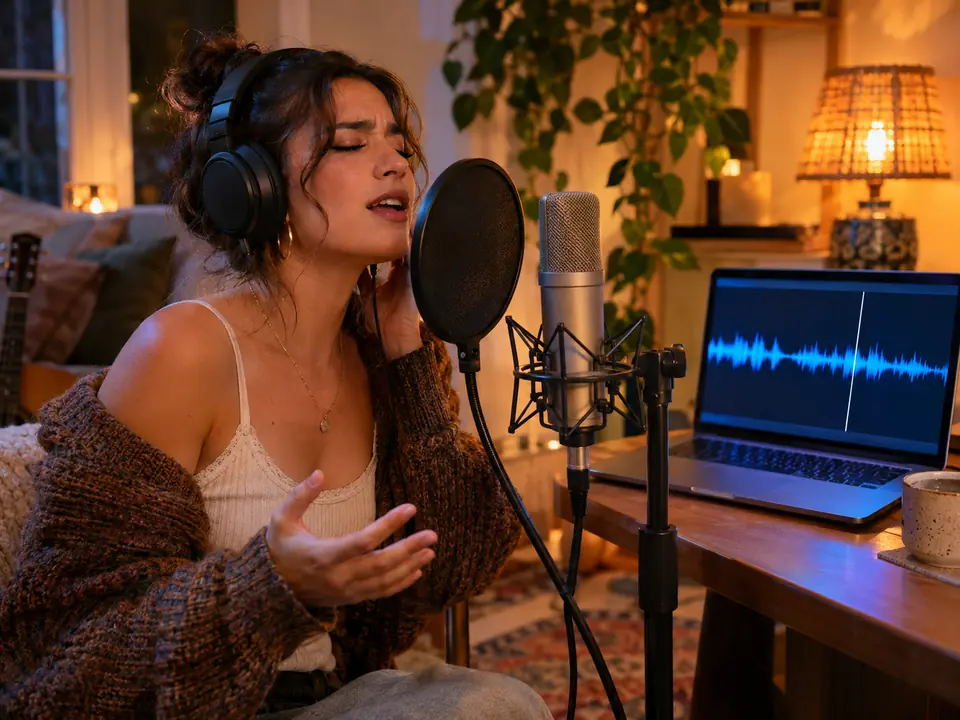
Record your voice over the original band. The instrumental maker keeps tempo and key as released, so your take sits where the singer’s did.
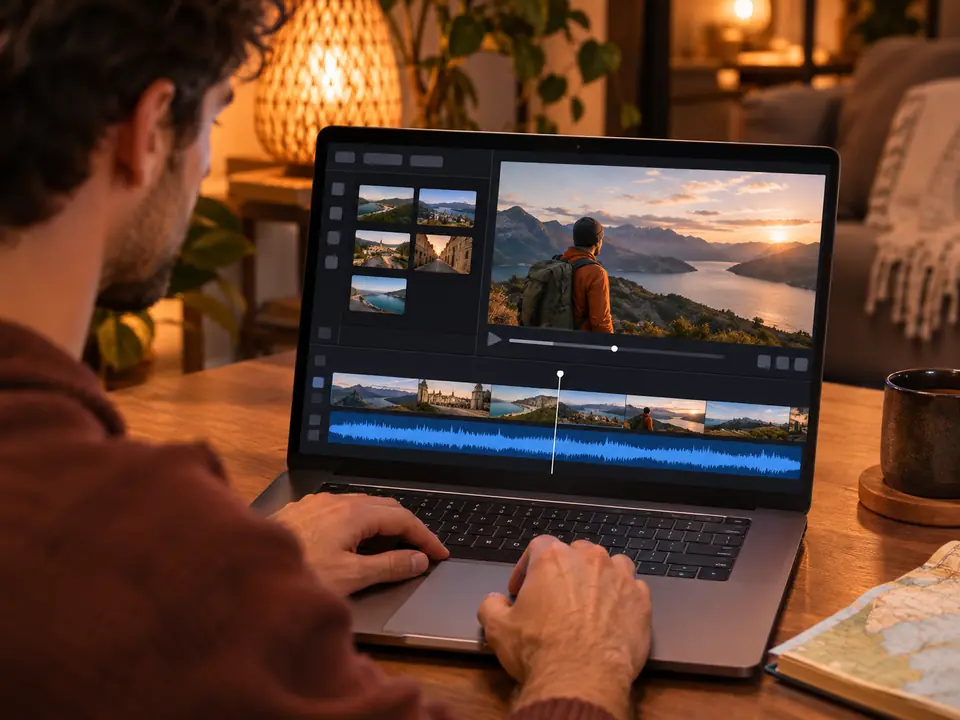
Run the instrumental maker on a song and put the music under your footage, with no voice fighting your narration. Check the rights note below first.
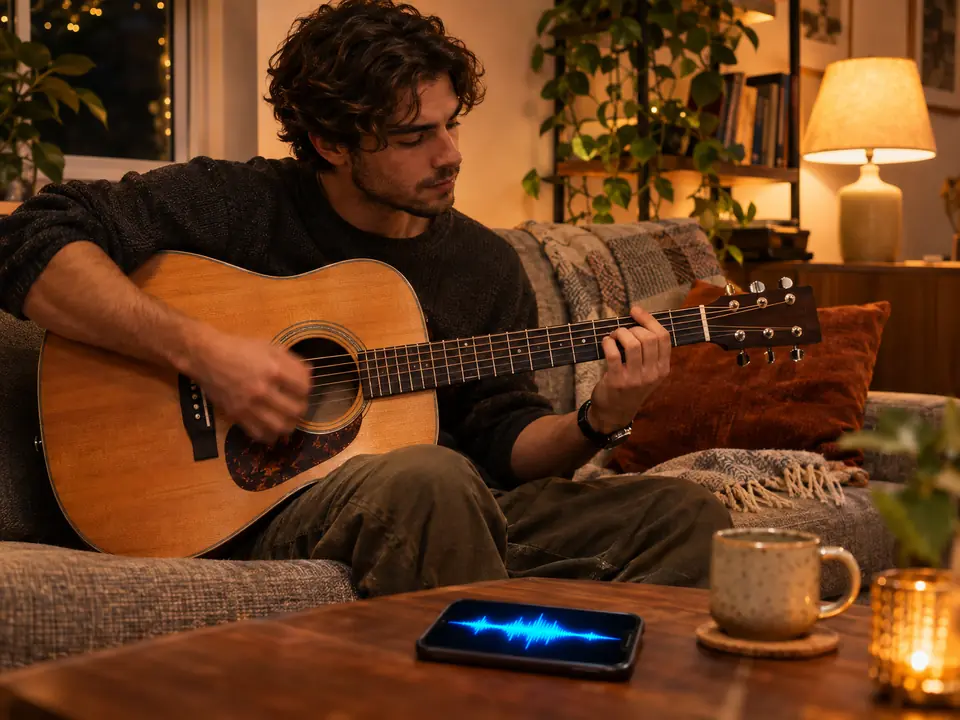
Play guitar, keys or drums with the band from the instrumental maker and hear your part against the arrangement.
Want the other half? The acapella extractor keeps only the voice, and the vocal isolator page shows how clean that voice gets next to older methods.
In November 2026 we ran a 30-second pop excerpt through both modes of the instrumental maker and measured the files instead of describing them.
| What we checked | Free (in your browser) | HQ (cloud) |
|---|---|---|
| Timing against the original | Lined up to the sample | Lined up to the sample |
| Voice left in the instrumental while singing | About 29 dB below the voice | About 30 dB below the voice |
| Where nobody sings, difference from the song | About 15 dB below the music | About 27 dB below the music |
| Time for a 4-minute song | 38–44 seconds in Chrome | About 1–2 minutes, any device |
The third row is where HQ earns its price: between lines, a bit of the band went into the free vocal file. The old phase trick (left minus right) removed the voice, but the band dropped about 14 dB too, because the bass, kick and most of this mix sat in the middle. One song, so treat the numbers as a guide.
Same 30-second excerpt; 0 dB means the band is exactly as loud as in the original song.
The free instrumental maker suits practice and quick sketches: it runs on your computer, gives you an MP3 and has no song limit.
Use the HQ instrumental maker when other people will hear the result, on a phone, or for songs over 10 minutes. It adds WAV and cleaner gaps; HQ minutes start at $4.99 for 80.
Need both tracks side by side? The vocal remover on our home page shows them together.
Planning a sing-along? The karaoke maker page measures how much quieter the track plays. Starting from a clip? Use the video vocal remover.
Backing vocals, choirs and shouted hooks count as vocals, so they leave with the lead. A sung part you love will not be in the instrumental.
On loud, reverb-heavy choruses a soft trace of the singer can remain. HQ leaves less; it rarely vanishes completely.
An instrumental made from a release is still that recording. Video platforms can match it, so publishing it needs the rights holder’s permission.
Yes. Free mode has no account, no daily cap and no watermark, and you download the full instrumental as an MP3. HQ mode uses credits.
No. This instrumental maker only removes the vocals from the song you give it. For brand-new music, use a generator.
Yes, with HQ cloud mode, which works in a phone browser. New accounts get 5 free HQ minutes.
Yes. Drop an MP4 or MOV and the instrumental maker reads its audio; you get the instrumental as an audio file.
Free mode gives MP3. HQ gives MP3 and WAV, the better choice if you will mix or master the track.